
Installation of Microsoft Office
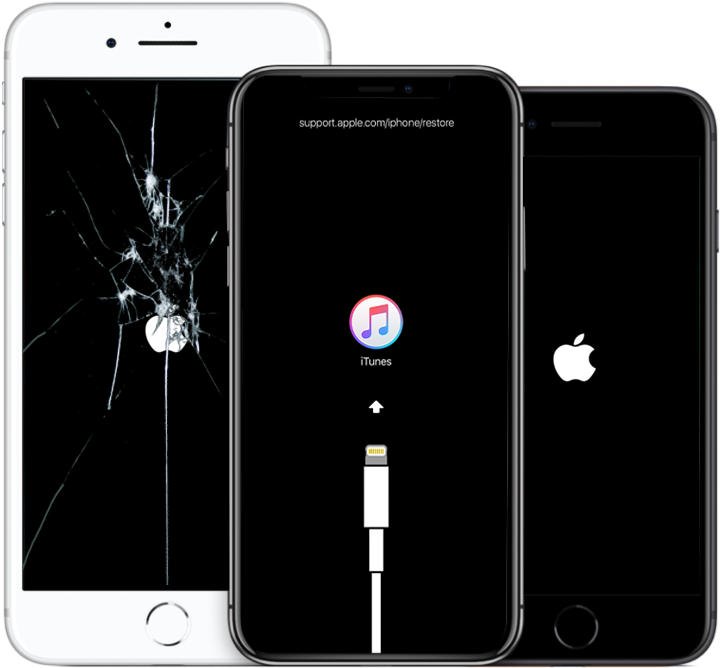
We treat cracked screens, dead batteries, charging issues, overheating, performance drops, water damage, and complex logic board failures. We work with Apple, Samsung, Xiaomi, Lenovo, ASUS, and others.
Devices Restored

Experience with Thousands of Models










Expert Approach to Device Restoration || Installation of Microsoft Office
In the heart of Prague, we create an oasis for your technology. Our workshop is not just a service center, but a technological hub where each device receives individual attention and thorough diagnostics using professional equipment.
- Speed Without Compromising Quality
- Direct Supplies from Manufacturers
- Honest Warranty on All Services

The Restoration Process
Why Choose Us?

Express Repair
Over 70% of repairs completed on the day of inquiry
Certified Parts
Parts from official sources or verified equivalents
12-Month Warranty
Long-term warranty on both labor and components
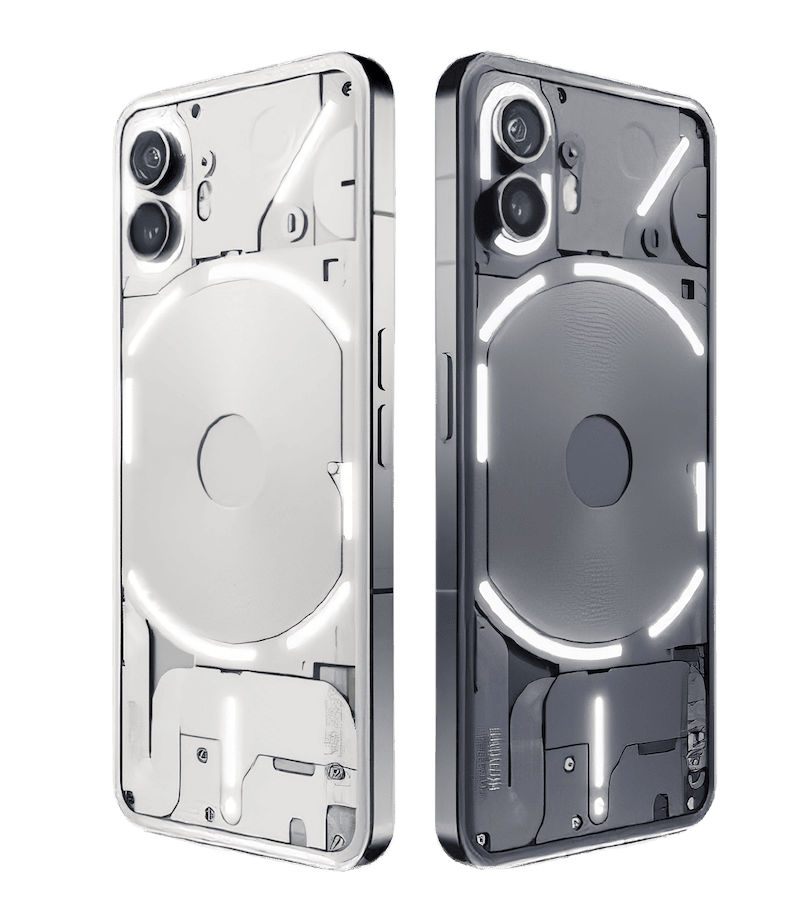
Engineers, Not Just "Technicians"
Our team consists of engineers with technical education and 5+ years of experience
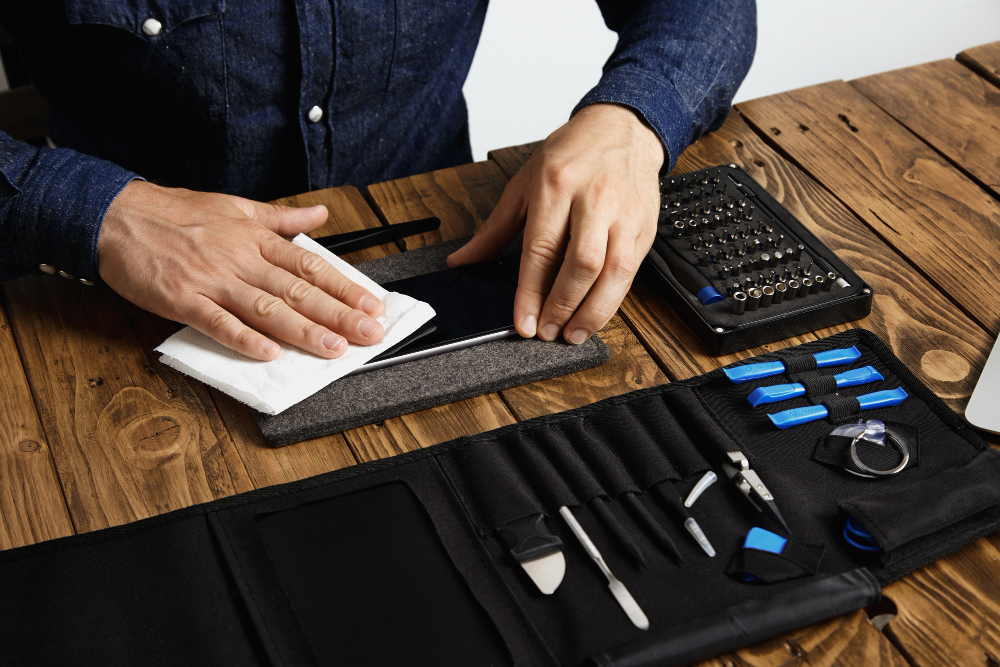
A Lab, Not a Kitchen Table
Microscopes, soldering stations, software diagnostic suites
By the Metro
Located 3 minutes walk from Muzeum station, convenient parking
Clients Per Month
Models Serviced
Successful Cases
Regular Visitors
Most Common Client Dilemmas
We have collected questions that most people have before visiting a service center.

What Our Visitors Share?
Submit Request
The pursuit of perfection: gadget repair with European quality and Czech reliability.
Installation of Microsoft Office
- First, we check which office suite will meet the system requirements of the PC or laptop. We clean the device from remnants of old suites to avoid interference.
- Next, we choose which suite to install – licensed for one PC, prepaid, or corporate. Among the offerings are IT services for offices in Prague and an insurance protocol for businesses.
- We create an installer with all the necessary programs, and after installation, we connect to your account.
- We set up cloud storage – you will be able to save files by default and successfully recover documents if you forgot to save them on the disk.
- We adjust the parameters of auto-saving and auto-starting according to your wishes. We check for updates and security status.
- Select stable suites without any complaints about startup.
- Prevent virus threats, which is the most common problem when installing A BY yourself.
- Obtain a licensed office without large overpayments and registration issues.
- Use full versions that have no restrictions regarding auto-saving, character count checks, tabbing, availability of necessary fonts, and more.